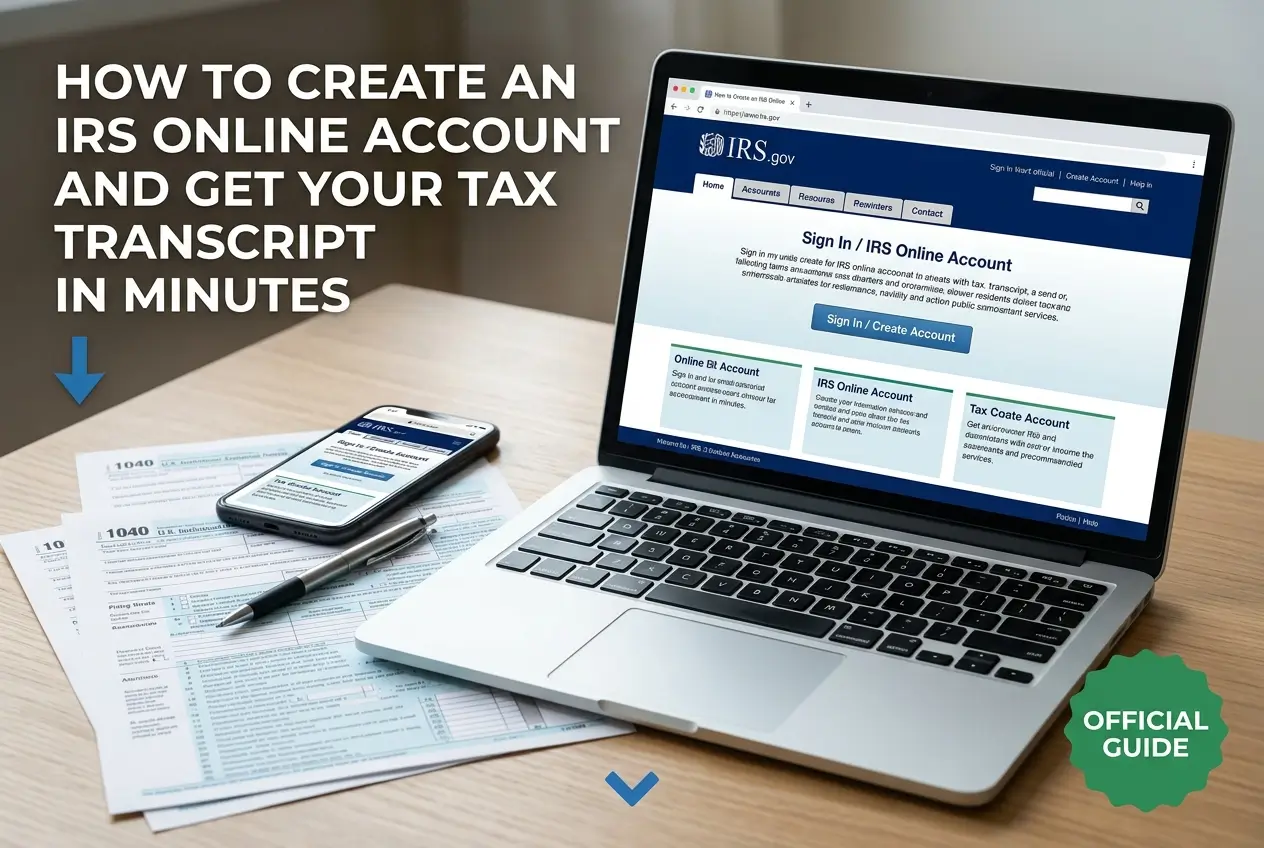
How to Create an IRS Online Account and Get Your Tax Transcript in Minutes
Need your tax records fast for a loan or financial aid? Waiting for mail delivery can delay your important financial plans.
Creating an IRS online account is the quickest and most secure solution available today.
You can verify your identity and download your tax transcript in just a few minutes. Here is exactly what you need to do.
Why You Need an IRS Online Account Today
Waiting weeks for tax documents to arrive by mail is frustrating and unnecessary.
An online account gives you instant control over your personal tax data. You can access your records exactly when you need them.
Beyond transcripts, this portal offers several critical tools for taxpayers.
O que Mais Você Gostaria de Saber?
Escolha abaixo:
- Payment History: Check all payments made to the IRS.
- Current Balances: See exactly what you owe by year.
- Payment Plans: Apply for an agreement if you cannot pay in full.
- Tax Records: View key data from your most recent returns.
Having this access helps you catch identity theft early. You can spot fraudulent filings before they cause major issues.
Crucial Security Warnings Before You Begin
Your tax records contain highly sensitive information like your Social Security Number. Protecting this data must be your priority.
The IRS follows strict protocols when contacting taxpayers. They will never initiate contact via digital channels to ask for data.
Warning: The IRS never sends unsolicited emails, text messages, or social media requests for personal or financial info.
Always verify you are on the official government website. Look for the “.gov” extension in your browser address bar.
How to Identify and Report IRS Scams
Scammers constantly create fake websites to steal personal data. They design these sites to look exactly like the real IRS portal.
These criminals use urgent language to panic taxpayers. They might threaten you with immediate arrest or massive fines.
If you receive a suspicious message claiming to be the IRS, do not click any links.
- Official Site: Always type IRS.gov directly into your browser.
- No Texts: Ignore text messages demanding immediate payment.
- Report It: Forward phishing emails to [email protected].
Staying calm and ignoring urgent threats is your best defense against tax fraud.
What You Must Prepare Before Starting
The IRS uses a service called ID.me for secure identity verification. You only need to complete this thorough process once.
Gathering your documents beforehand prevents the system from timing out. You will need a few specific items to prove your identity.
- Email Address: Use an account you can access right now.
- Photo ID: A driver license, state ID, or passport works best.
- Tax ID: Your Social Security Number or ITIN.
- Camera: A smartphone or computer with a working front camera.
- Phone Number: Needed to receive security codes.
Make sure you are in a well-lit room when you start. Good lighting is crucial for the video selfie step.
Step by Step Guide to Create Your Account
Setting up your profile takes about ten to fifteen minutes. Follow these exact steps to avoid common errors.
First, open your browser and go to the official IRS website. Find and click the button that says “Sign in to your account”.
- Select ID.me: Choose the option to create a new account with ID.me.
- Register: Enter your email and create a very strong password.
- Verify Email: Click the confirmation link sent to your inbox.
- Upload ID: Take clear photos of the front and back of your photo ID.
- Video Selfie: Scan your face using your device camera as prompted.
- Provide SSN: Enter your Social Security Number securely.
After your identity is confirmed, you must set up Two-Factor Authentication. This extra security step protects you every time you log in.
Once finished, the system will redirect you automatically. You will now see your secure IRS dashboard.
How to Download Your Tax Transcript Quickly
Now that you are logged in, getting your transcript is incredibly simple. You can view, save, or print it immediately.
Look for the section labeled “Tax Records” on your main dashboard. Click the tool called “Get Transcript”.
The system will ask you for a reason for your request. This helps the site suggest the correct document type.
- Select Reason: Choose options like student loan or mortgage.
- Pick Year: Select the specific tax year you need.
- Download: Click the link to open the PDF file securely.
Save the file directly to your device or print it right away. Never save these files on a public or shared computer.
Understanding Different Types of Transcripts
The IRS offers different versions of your tax records. Choosing the wrong one might cause delays with your loan officer.
It is important to know exactly what information each document provides. Here is a breakdown of the most common types.
| Transcript Type | Best Used For | Details Shown |
|---|---|---|
| Tax Return Transcript | Mortgages and FAFSA | Most lines from original return |
| Tax Account Transcript | Checking balances | Adjustments and penalties |
| Wage and Income | Missing W-2 forms | Data reported by employers |
If a bank asks for your tax records, they almost always want the Tax Return Transcript. Always confirm this with your lender.
What Lenders Look For in Your Transcripts
Financial institutions rely heavily on these official documents. They provide unquestionable proof of your annual income.
When you apply for a mortgage, underwriters cross-check your pay stubs against IRS data. This prevents income fraud.
College financial aid offices use them for the same reason. They must verify your household income to approve grants.
- Adjusted Gross Income: The primary number lenders evaluate.
- Filing Status: Confirms if you filed as single or married.
- Dependents: Verifies the number of people in your household.
Having your transcripts ready before applying speeds up the entire approval process.
Troubleshooting Common Verification Problems
Sometimes the automated ID.me system cannot verify your identity. This is common and usually easy to resolve.
Blurry photos are the most frequent cause of failure. Ensure your ID is clearly visible with no glare covering the text.
Name changes from marriage can also cause system mismatches. Your current ID must match your official tax records.
- Lighting: Move to a brighter room for the video selfie.
- Background: Use a plain, solid wall behind you.
- Live Agent: Opt for a video call with a support representative.
Choosing the live video chat option connects you with a real person. They will manually review your documents and approve your account.
Alternative Ways to Get Your Tax Records
If you absolutely cannot access the online system, do not panic. The IRS still provides traditional methods to get your records.
These offline methods take longer but are highly reliable. You just need to plan ahead to account for processing time.
You can request your documents by phone or by mail. Both options require verifying your address on file.
- By Phone: Call 1-800-908-9946 to use the automated system.
- Delivery Time: Allow 5 to 10 business days for mail arrival.
- By Mail: Print, fill out, and send Form 4506-T to the IRS.
Note: If your return was flagged for identity theft, call the Taxpayer Protection Program at 1-800-830-5084.
Using Form 4506-T is the official way to request records if digital access fails. Keep a copy of the form for your personal files.
Next Steps to Protect Your Financial Data
Now that your account is active, your financial data is more accessible to you. It is your responsibility to keep your login safe.
Never share your ID.me password with tax preparers or lenders. They should request transcripts through their own professional channels.
Log in at least once a year to ensure your account remains active. Check your history to confirm no unauthorized returns were filed.
Go to IRS.gov right now to create your account and take full control of your tax information today.
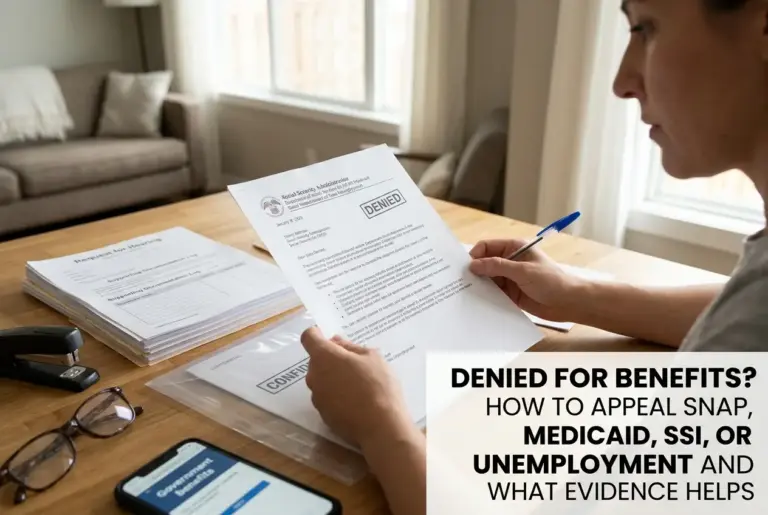
Denied for Benefits? How to Appeal SNAP, Medicaid, SSI, or Unemployment and What Evidence Helps
» Veja dicas de Moda e Beleza exclusivas para você